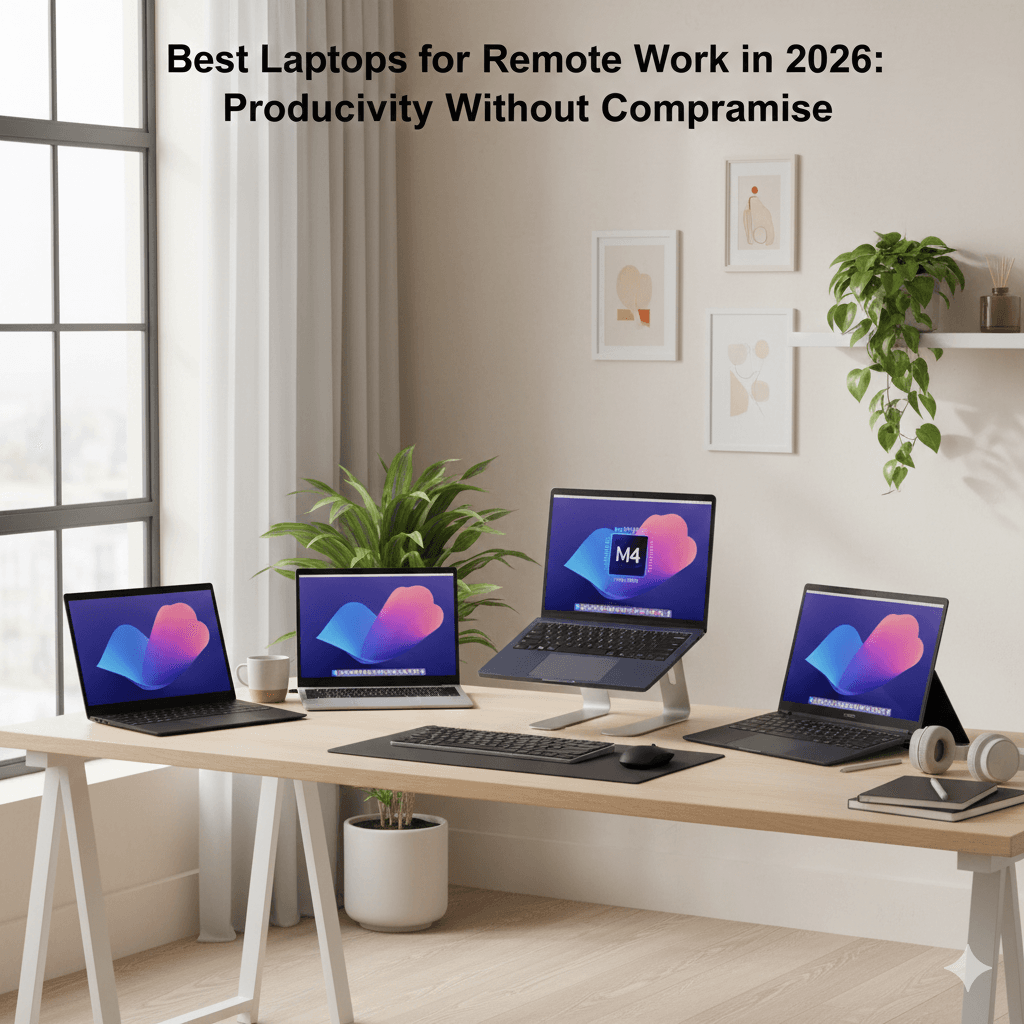
Best Laptops for Remote Work in 2026: Productivity Without Compromise.
Remote work demands reliability, performance, and comfort. From battery life to keyboard quality and display clarity, these laptops stand out as the best choices for professionals working from anywhere in 2026.
Remote work has evolved from a temporary solution into a permanent lifestyle for millions of professionals. What once began as an emergency adjustment has now reshaped how we think about productivity, flexibility, and work-life balance.
Whether you’re working from a home office, a coffee shop, or rotating between co-working spaces, your laptop has become the centerpiece of your professional setup. It’s not just a computer — it’s your workstation, communication hub, and creative tool.
The best laptops for remote work in 2025 focus on striking the right balance between performance, battery life, portability, and everyday comfort, ensuring you can stay productive no matter where your workday takes you.
What to Look for in a Remote Work Laptop
A great remote work laptop goes far beyond raw processing power. While fast performance helps with multitasking, long-term comfort and reliability play an equally important role in day-to-day productivity.
Features like a responsive keyboard, a precise trackpad, and a high-quality webcam can dramatically improve your experience during long work sessions and frequent video calls. Likewise, a bright, sharp display helps reduce eye strain — especially when working long hours.
- Battery life of at least 10–12 hours for all-day use
- Comfortable keyboard and large, accurate trackpad
- Bright, high-resolution display with good color accuracy
- Reliable Wi-Fi, modern ports, and a strong webcam for virtual meetings
Apple MacBook Air (M3)
The MacBook Air powered by Apple’s M3 chip continues to be one of the most compelling laptops for remote workers in 2025. Its combination of performance and efficiency allows it to handle everyday tasks — from document editing to video conferencing — with ease.
Thanks to its fanless design, the MacBook Air operates completely silently, making it ideal for quiet environments like shared offices or cafés. Battery efficiency remains one of its biggest strengths, often lasting well beyond a full workday on a single charge.
macOS provides a stable, polished, and distraction-free experience, which appeals to professionals who value reliability, smooth performance, and seamless integration with other Apple devices.
Dell XPS 13
The Dell XPS 13 has long been considered one of the best premium Windows laptops, and it continues that legacy with a refined design and dependable performance. Its compact size makes it easy to carry, while the aluminum build gives it a sturdy, high-end feel.
The nearly bezel-less display offers an immersive viewing experience without increasing the laptop’s footprint, making it especially appealing for professionals who travel frequently or work in tight spaces.
With a comfortable keyboard, responsive trackpad, and vibrant screen, the XPS 13 is well-suited for long work sessions, multitasking, and frequent video meetings on Windows-based workflows.
Lenovo ThinkPad X1 Carbon
The Lenovo ThinkPad X1 Carbon is a favorite among business professionals, particularly those who spend a significant portion of their day typing. Its legendary keyboard remains one of the best in the industry.
Built from lightweight carbon fiber materials, the X1 Carbon offers impressive durability without adding unnecessary weight. This makes it an excellent choice for remote workers who need both portability and long-term reliability.
Advanced security features, enterprise-grade support, and strong overall performance make the ThinkPad X1 Carbon especially appealing for business users and corporate environments.
Battery Life & Connectivity
Battery life plays a crucial role in how flexible your remote work setup can be. The laptops featured here are capable of lasting an entire workday under moderate workloads, reducing the need to constantly search for power outlets.
Modern connectivity options are equally important. Support for Thunderbolt, USB-C, and Wi-Fi 6E ensures faster data transfer, stable connections, and easy integration with external monitors, docks, and accessories.
These features help create a seamless workstation experience, whether you’re working from home or setting up a temporary office on the go.
Final Recommendations
Choosing the best laptop for remote work ultimately comes down to your individual priorities — whether that’s battery life, typing comfort, portability, or operating system preference.
Each of the laptops discussed here excels in different areas, making them reliable choices for a wide range of professional needs.
For most users, the MacBook Air M3 delivers the best overall balance of performance and portability. Windows users looking for premium design and flexibility will find excellent options in the Dell XPS 13 and Lenovo ThinkPad X1 Carbon.